How to Design in 2D! (For Dummies) - Azkaban
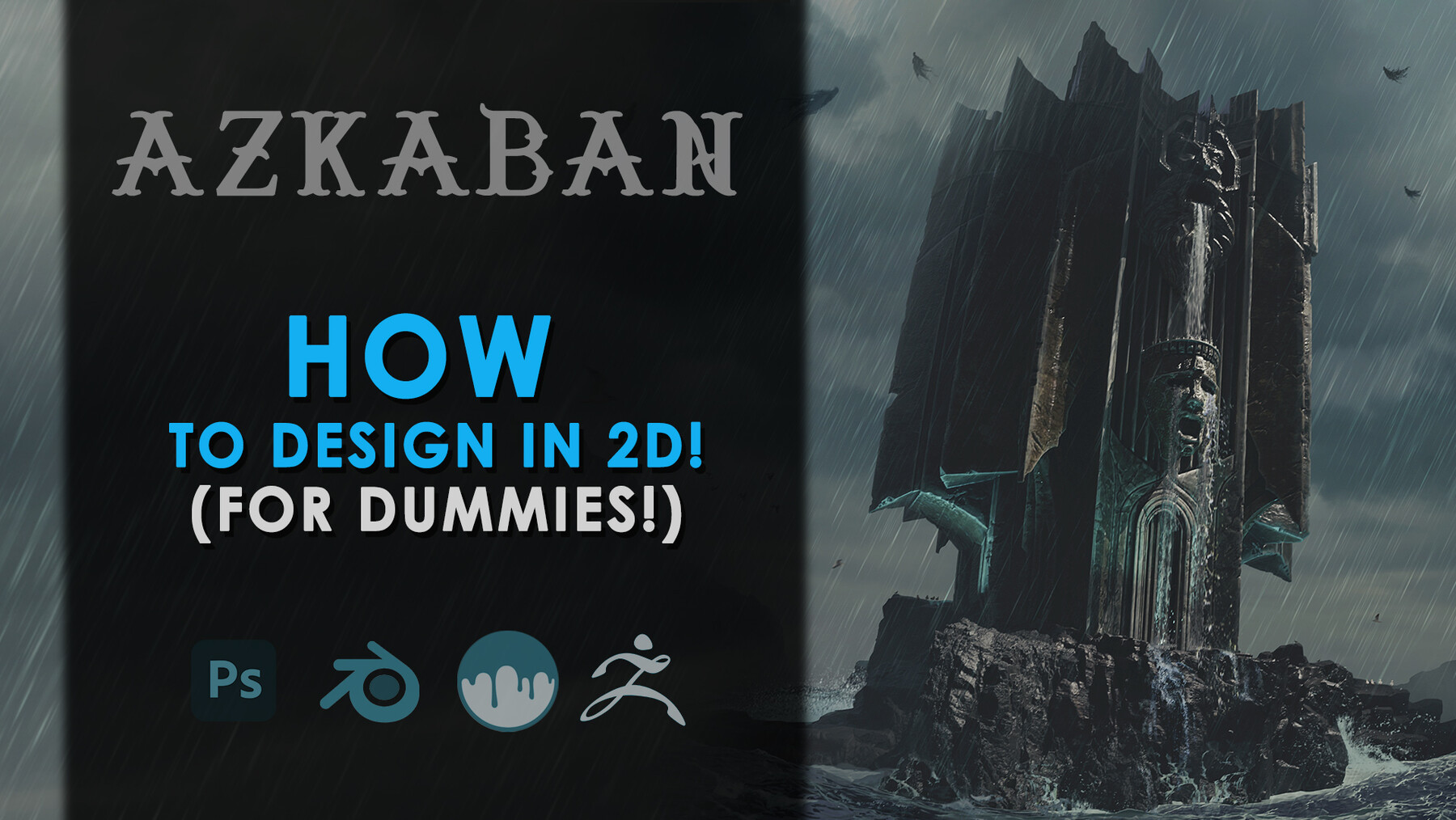
Learn how to design in 2D when you're the type of person who tries to jump into 3d straight away!
As of 2024, the industry has finally woken up to the thousands of artists who can't draw or design! The funny thing is, you don't even need to be that great at drawing, you just have to be able to put 3D down for five minutes and do it!
*This tutorial workshop is almost 3 times longer than some of my other tutorials!
I'll show you how to get started with some simple 2d techniques and we'll focus on keeping it basic so you don't get overwhelmed. Once we've generated a few ideas, only THEN can we finally go into 3d and start building, sculpting, rendering and painting/bashing.
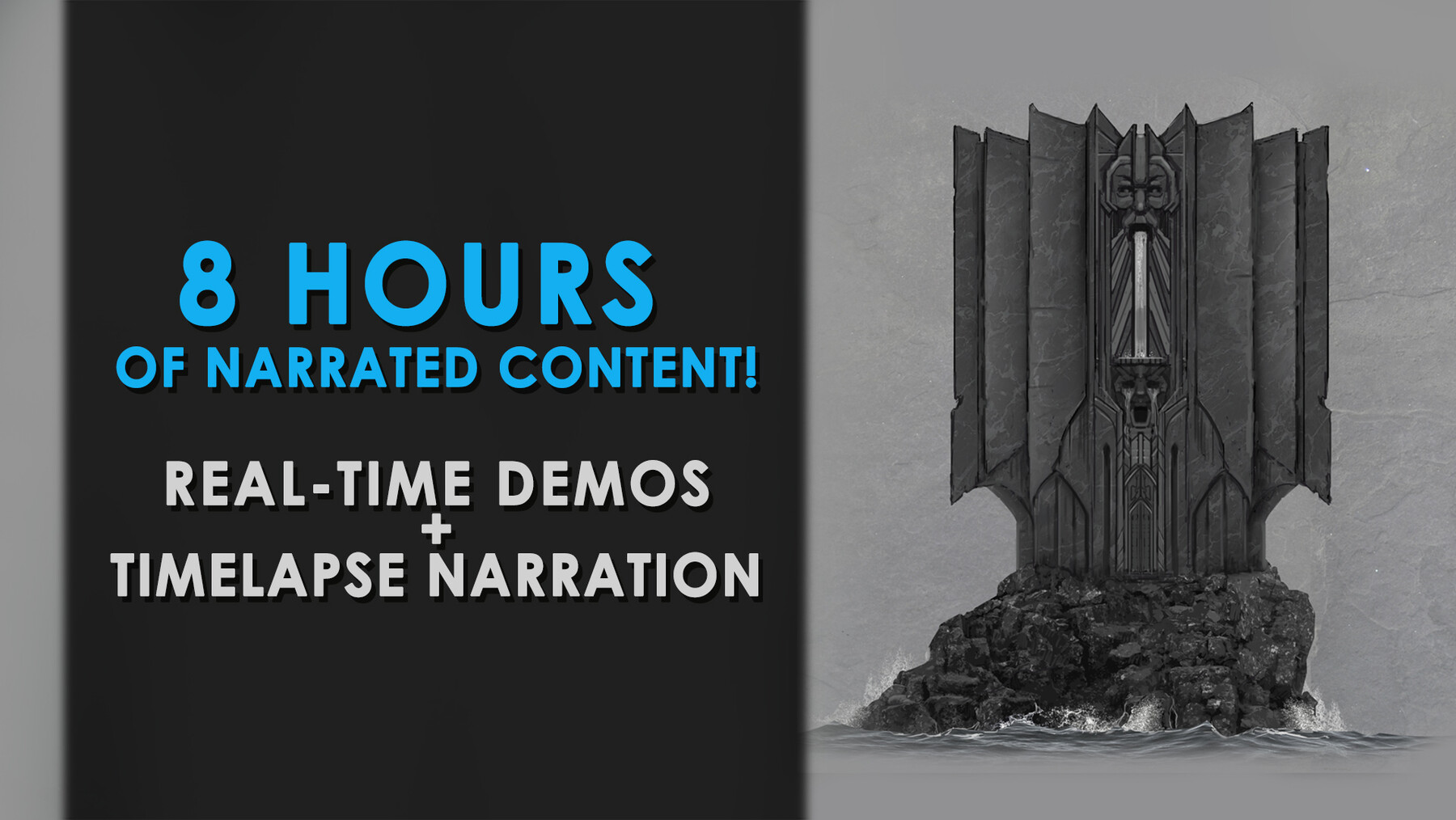
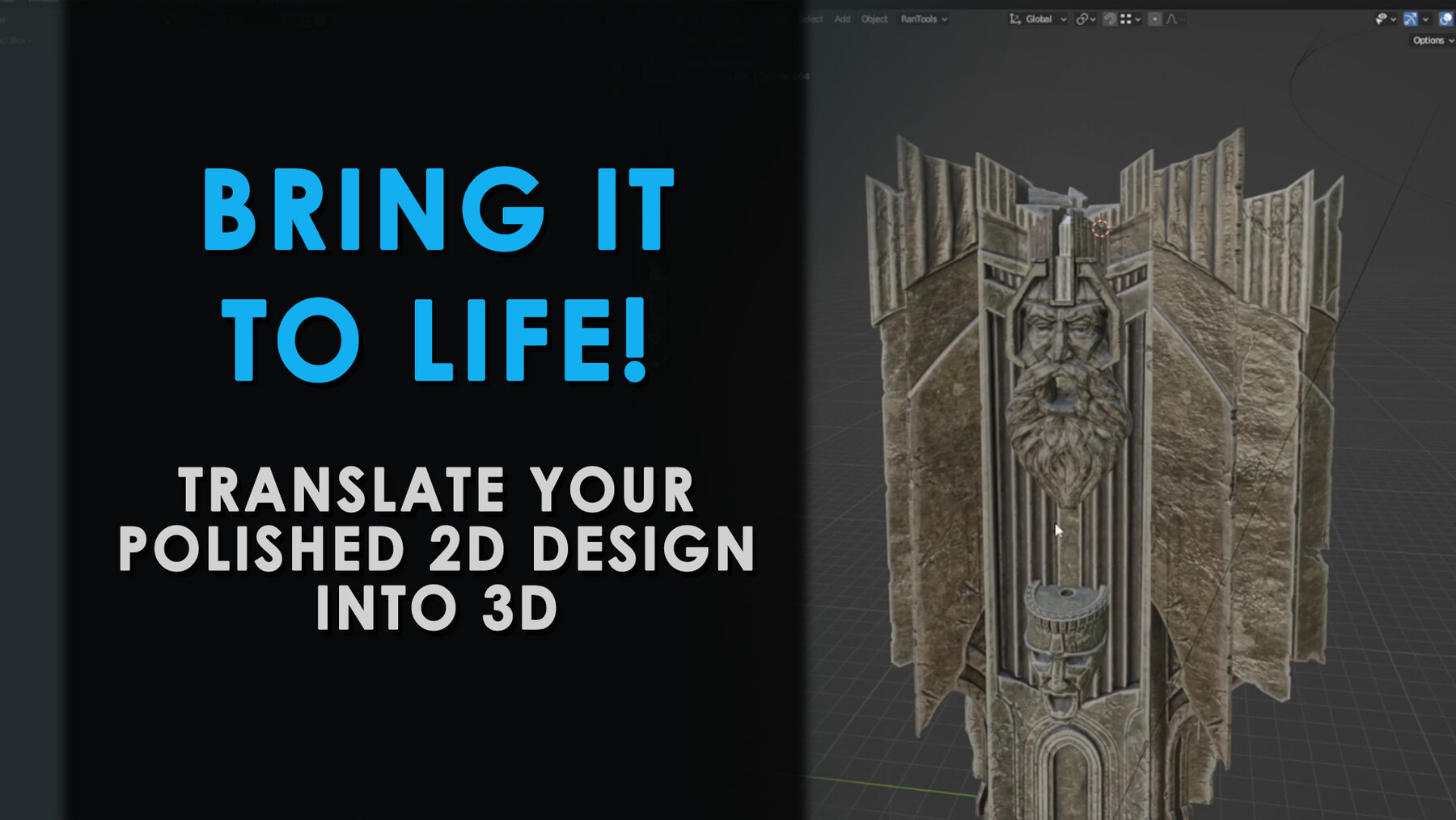
The process will be: playing with silhouettes, drawing in 2d, finalising the drawing and then we'll block in using blender to get a feel for what's needed in any sculpting programs. We'll then refine the 3d in 3D Coat/Zbrush, texture it and bring the deliciously detailed final piece back into Blender for some lessons in composition and rendering. Finally we'll squeeze all the juice we can out of the piece in Photoshop.
What you'll get/learn:
9 videos (condensed from a couple weeks of work) narrated over with my thought process as well as a few real-time sessions.
1 x bonus video going over techniques & principles that need to be emphasized.
Lessons in the silhouette approach and the pros and cons of that approach to building design (6 demos)
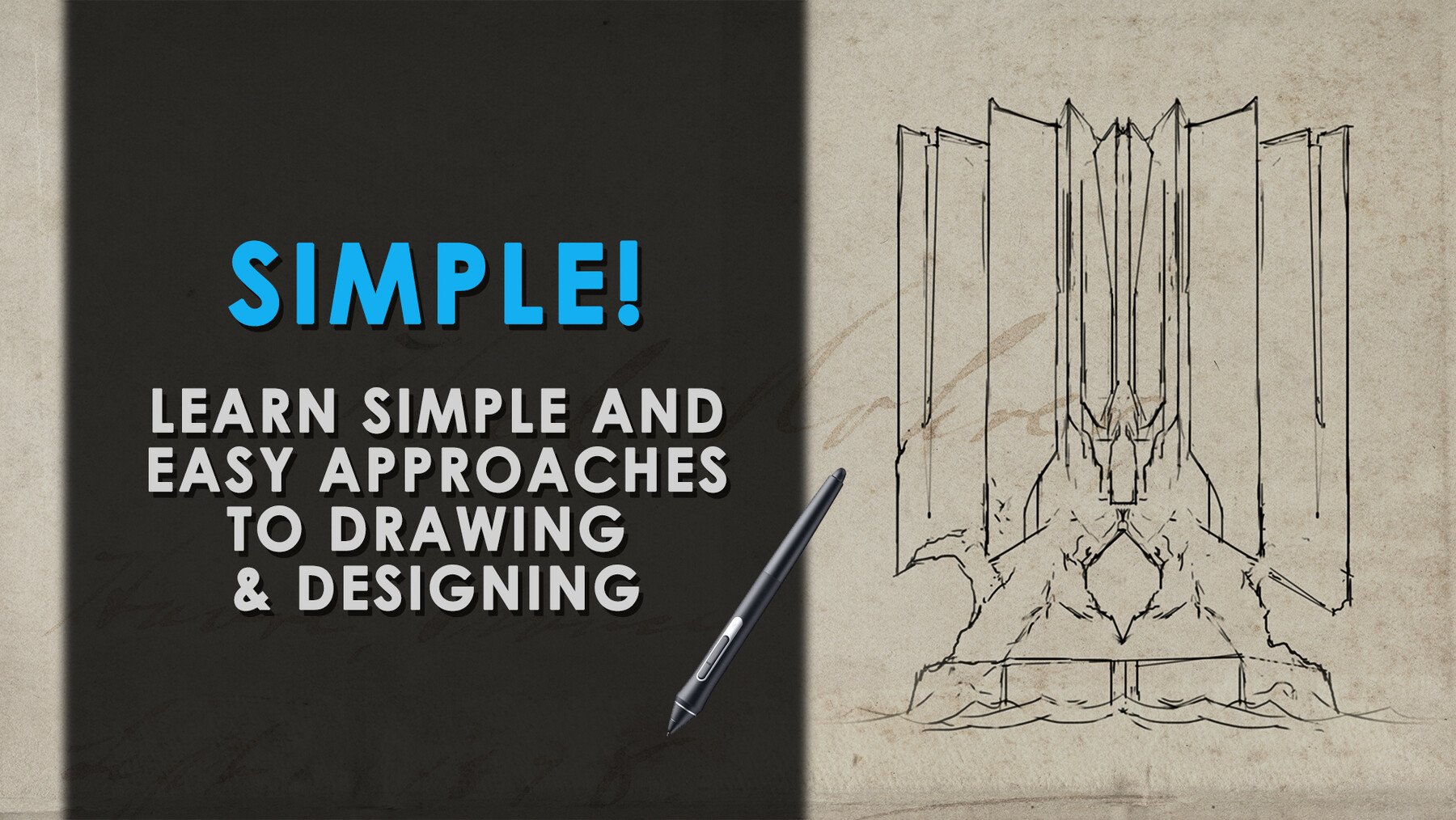
Lessons in the line drawing approach and what advantages that can have (around 15 demo sketches!)
What to do when you're struggling for ideas.
Adding that final touch of detail to your 2d line work with a bit of paint and texture.
Efficient workflows in Blender for buildings with unusual angles.
Sculpting & painting techniques in 3D Coat (with some Zbrush thrown in too!).
How to push your image further in Blender.
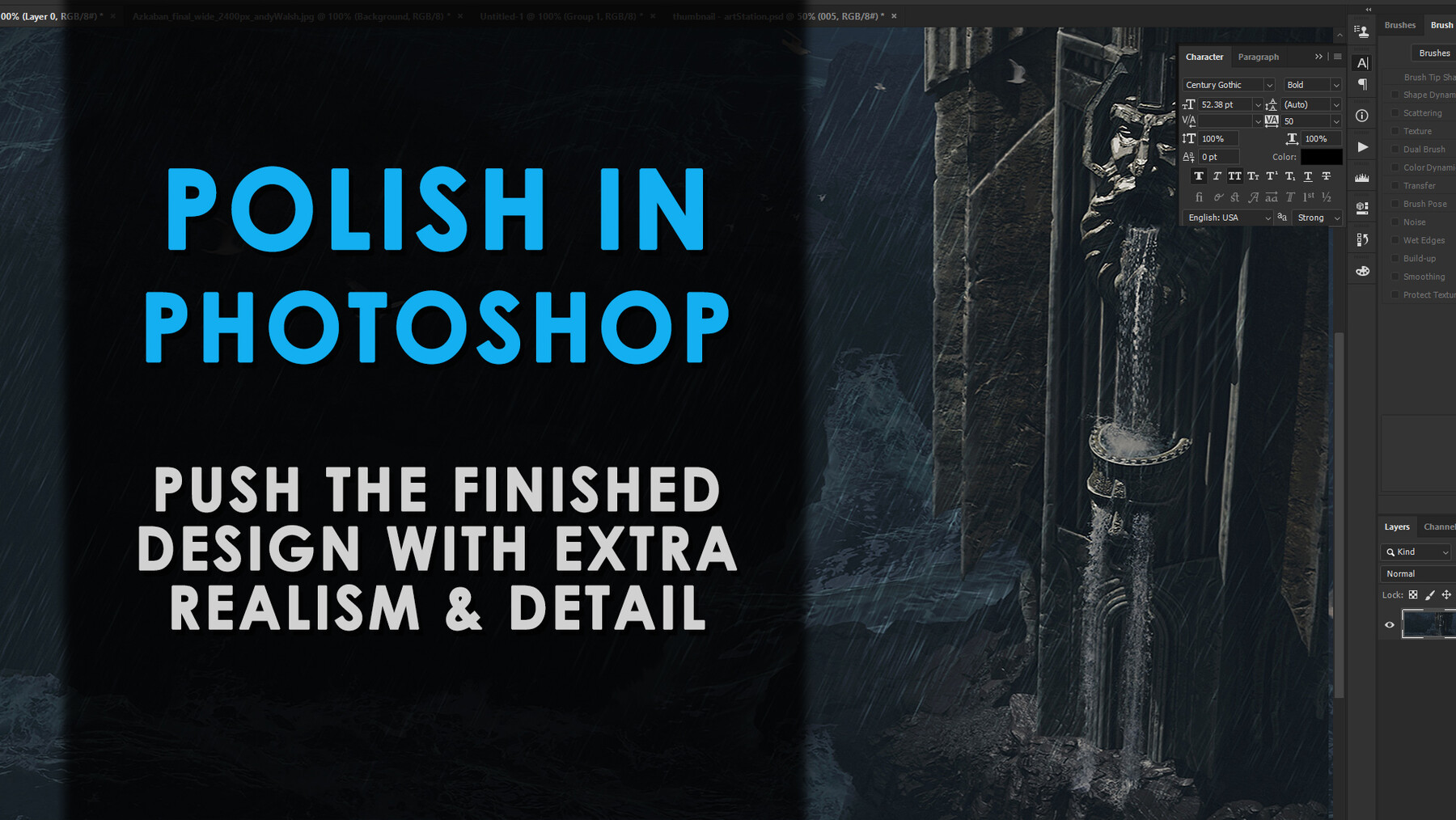
How to push it even further in Photoshop.
Dive in and learn how to design in 2d!
Basic requirements: Experience in Photoshop, Blender, 3D Coat (Zbrush optional).
My Portfolio: https://www.artstation.com/artist/andywalsh