Painting Over Your 3D Renders
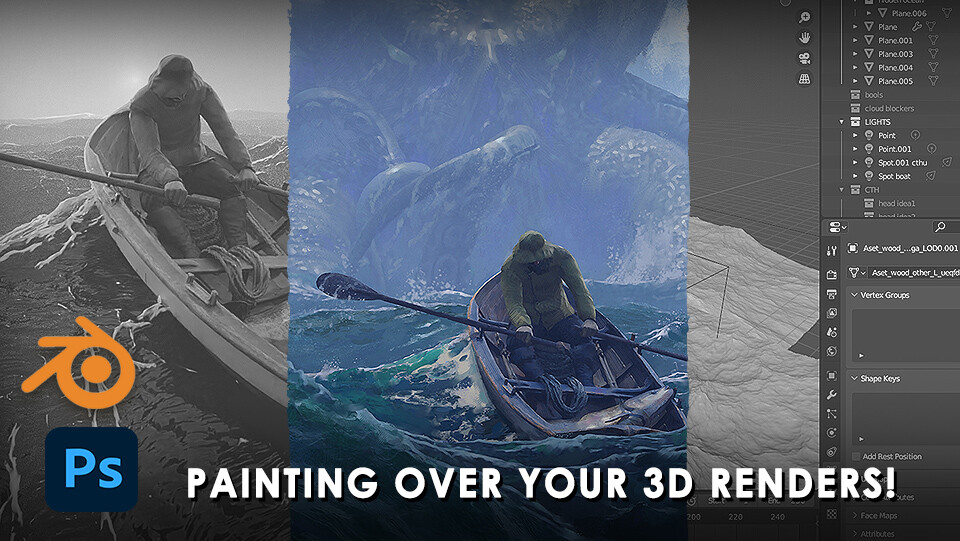
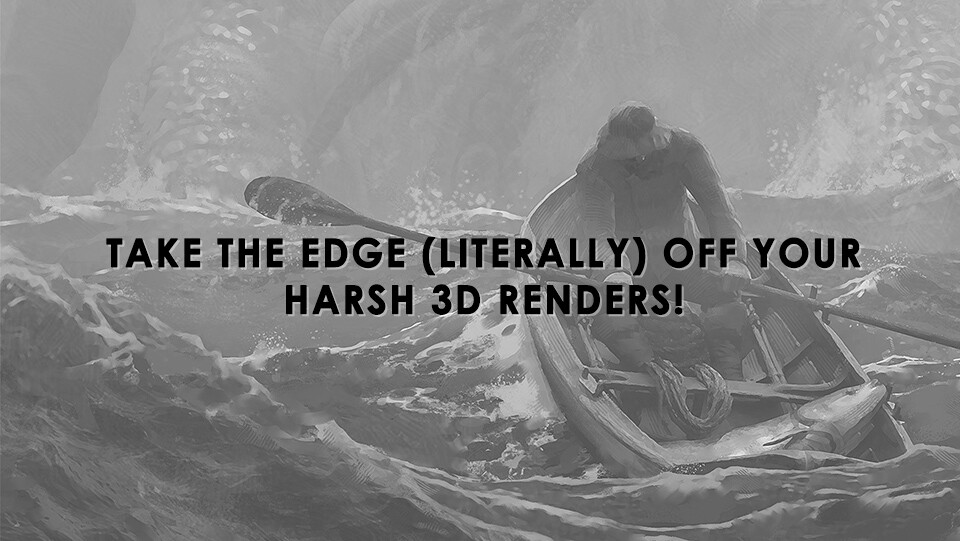
Learn how to take your stale 3d renders and breathe life into them so they look painterly and dynamic!
I'll show you how I took my Blender render and, using techniques and principles I've learned over years of study, show you how to take the complexity out of an image and make it look alive and exciting.
What you'll get:
7 Videos totalling almost 4 hours of content
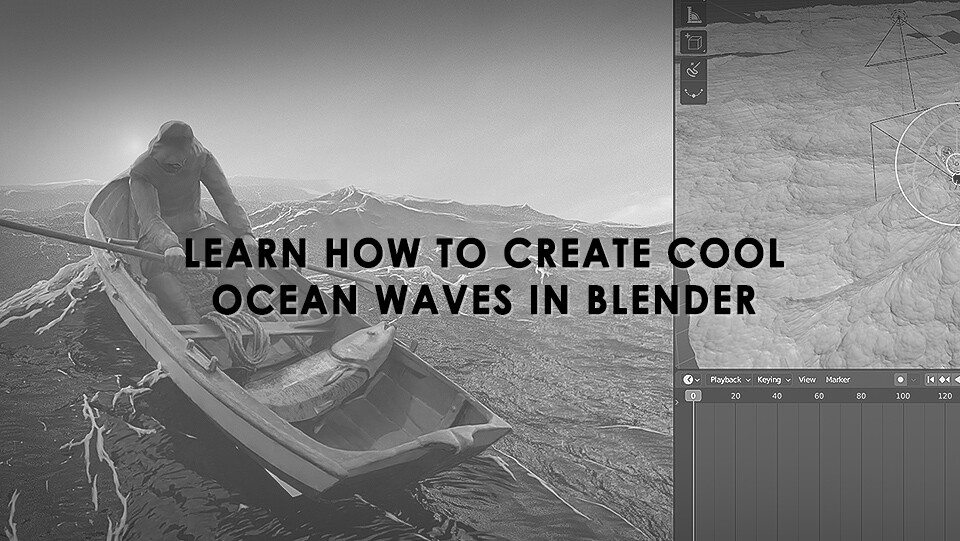
An overview of my Blender file where I show you my simple ocean waves workflow
A bonus timelapse of some of the work I did in Blender. While this isn't specifically a Blender tutorial I thought it would be a nice addition.
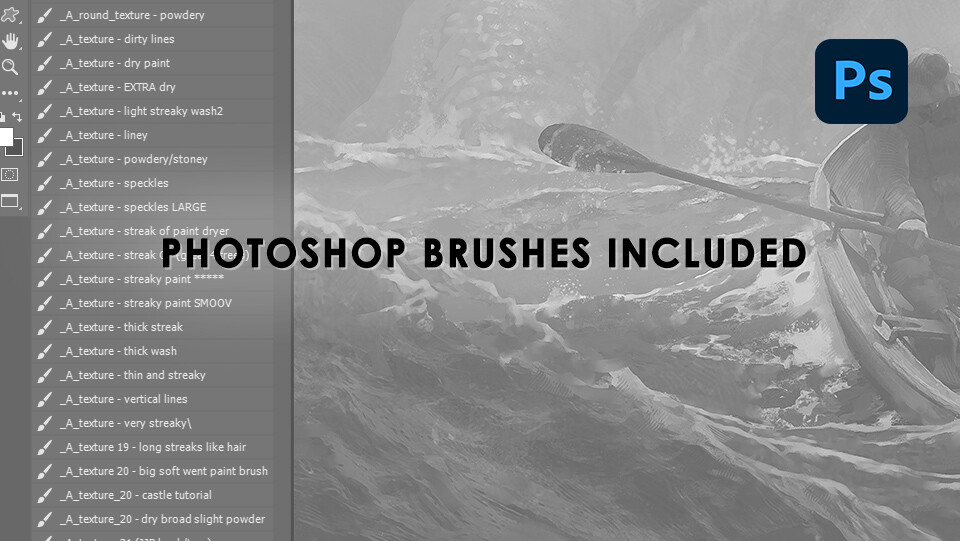
Photoshop Brushes/Tool Presets (but note: most of the painting is done with one basic brush!)
A painterly brush pattern to help give your finished image a slightly realistic painterly appearance
Making-of steps
2k resolution output file to see the details of the finished work more closely
Note: While I go into just about everyhing in the Blender scene (and even a very quick Zbrush overview for the Cthulhu model) this is not so much a Blender tutorial as it is a painting tutorial. Although you will learn a few 3D oriented tips too.